

Accessible variation swatches for WooCommerce
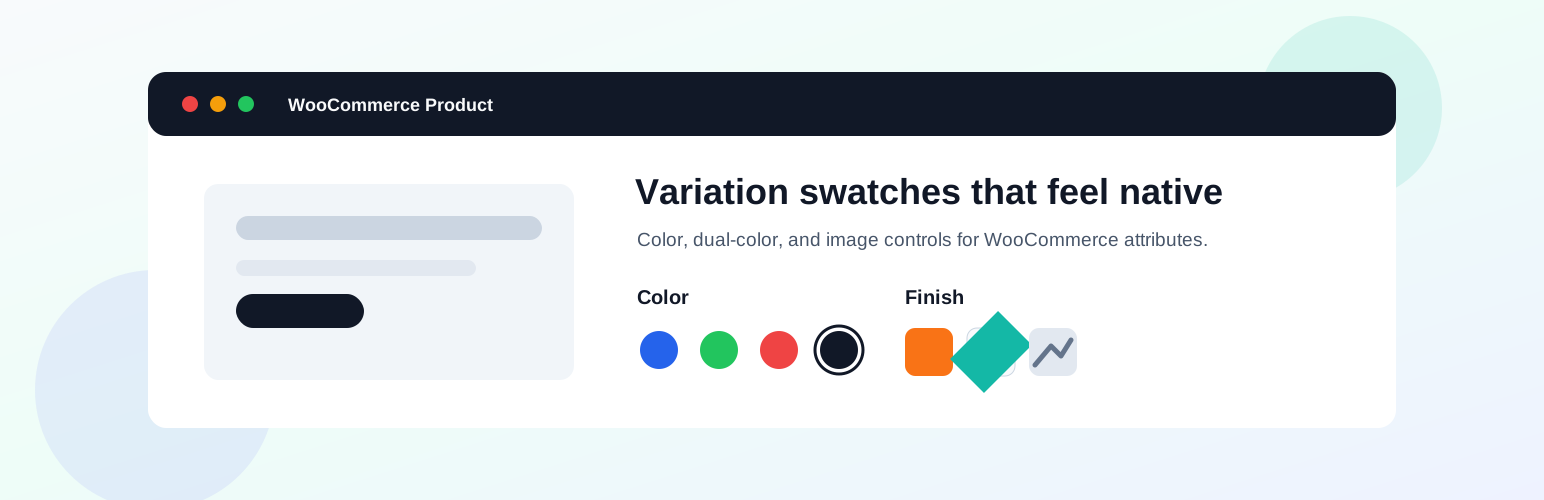
Replace supported WooCommerce variation dropdowns with accessible color, dual-color, and image swatches while keeping the native select workflow intact.
What MKWebTech Variation Swatches for WooCommerce does
Overview
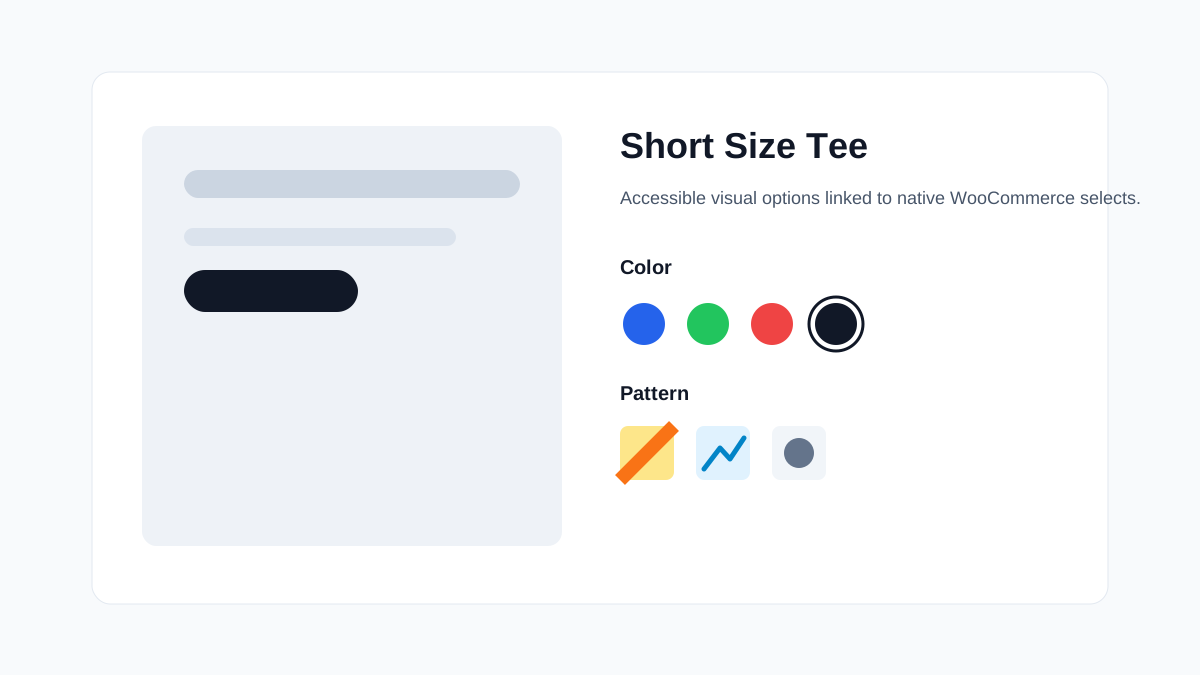
MKWebTech Variation Swatches for WooCommerce turns supported product variation dropdowns into clean visual controls for color, dual-color, and image attributes.
The plugin is designed for stores that want a lightweight swatch experience without replacing WooCommerce variation behavior. It keeps native select elements available for WooCommerce compatibility while adding accessible buttons for shoppers.
Usage
Create or edit a global product attribute, choose a supported MK attribute type, configure the terms, then use that attribute for product variations.
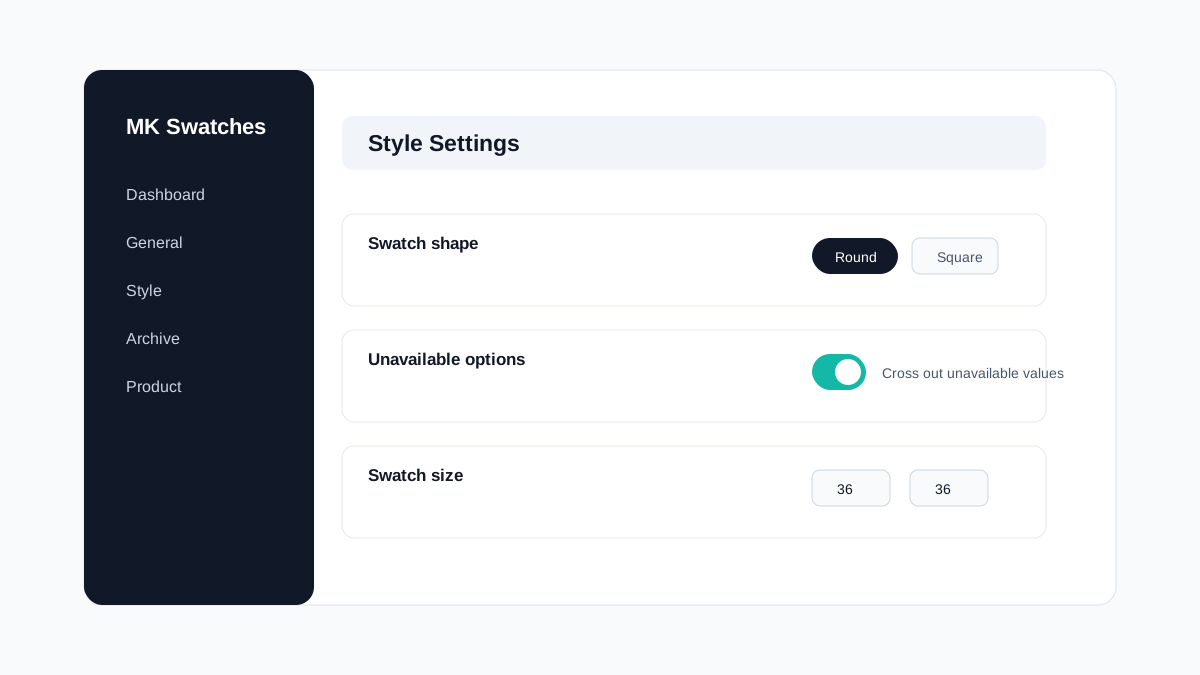
Store-wide display controls are available under WooCommerce -> MK Swatches.
Designed for clear daily workflows
Product capabilities
Why teams install it
Launch path
- 1
Install and activate WooCommerce.
- 2
Install MKWebTech Variation Swatches for WooCommerce from WordPress.org.
- 3
Go to Products -> Attributes and choose MK Color, MK Dual Color, or MK Image for supported attributes.
- 4
Edit attribute terms to configure color values, secondary colors, images, and optional tooltip text.
- 5
Adjust display behavior under WooCommerce -> MK Swatches.
Common questions
Recent improvements
Guides and references
Choose the right plan
Free
Built as a lightweight WooCommerce swatch plugin for WordPress stores.
- Color, dual-color, and image swatch types
- Product and archive display controls
- Accessibility-focused frontend interactions
Get help when it matters
Need a workflow beyond the plugin?
MK WebTech also builds custom WordPress and WooCommerce functionality for store-specific integrations, admin tools, and commerce workflows.
Explore WordPress and WooCommerce development