

Conversion-focused Gutenberg blocks for WordPress
Add lightweight Gutenberg blocks for countdowns, announcements, promo banners, coupon offers, and floating calls to action without a page builder.
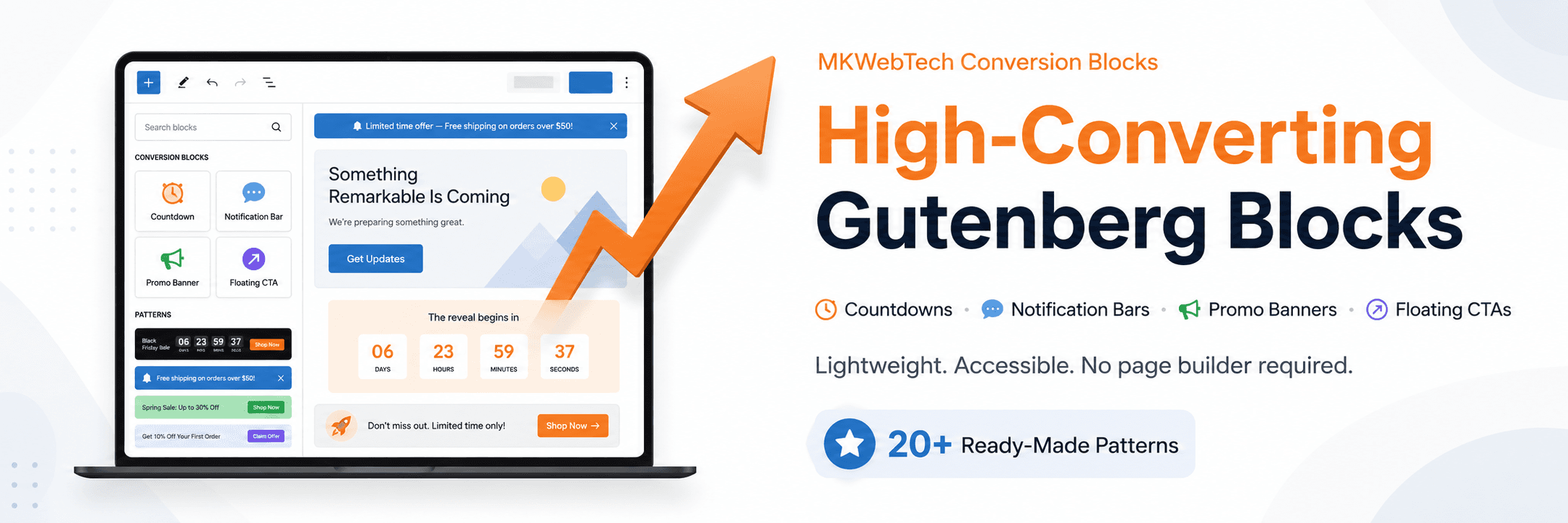
What MKWebTech Conversion Blocks does
Overview
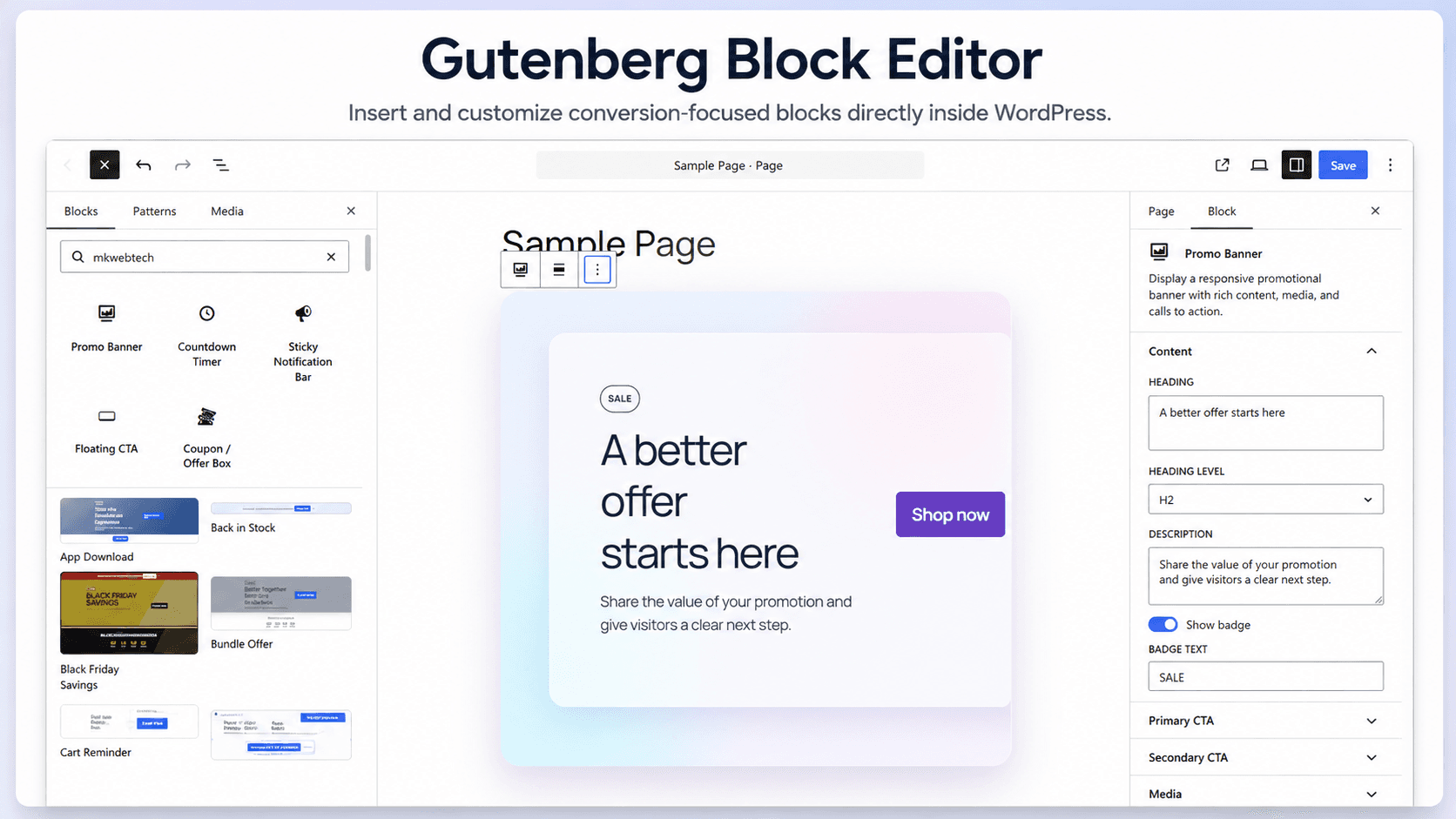
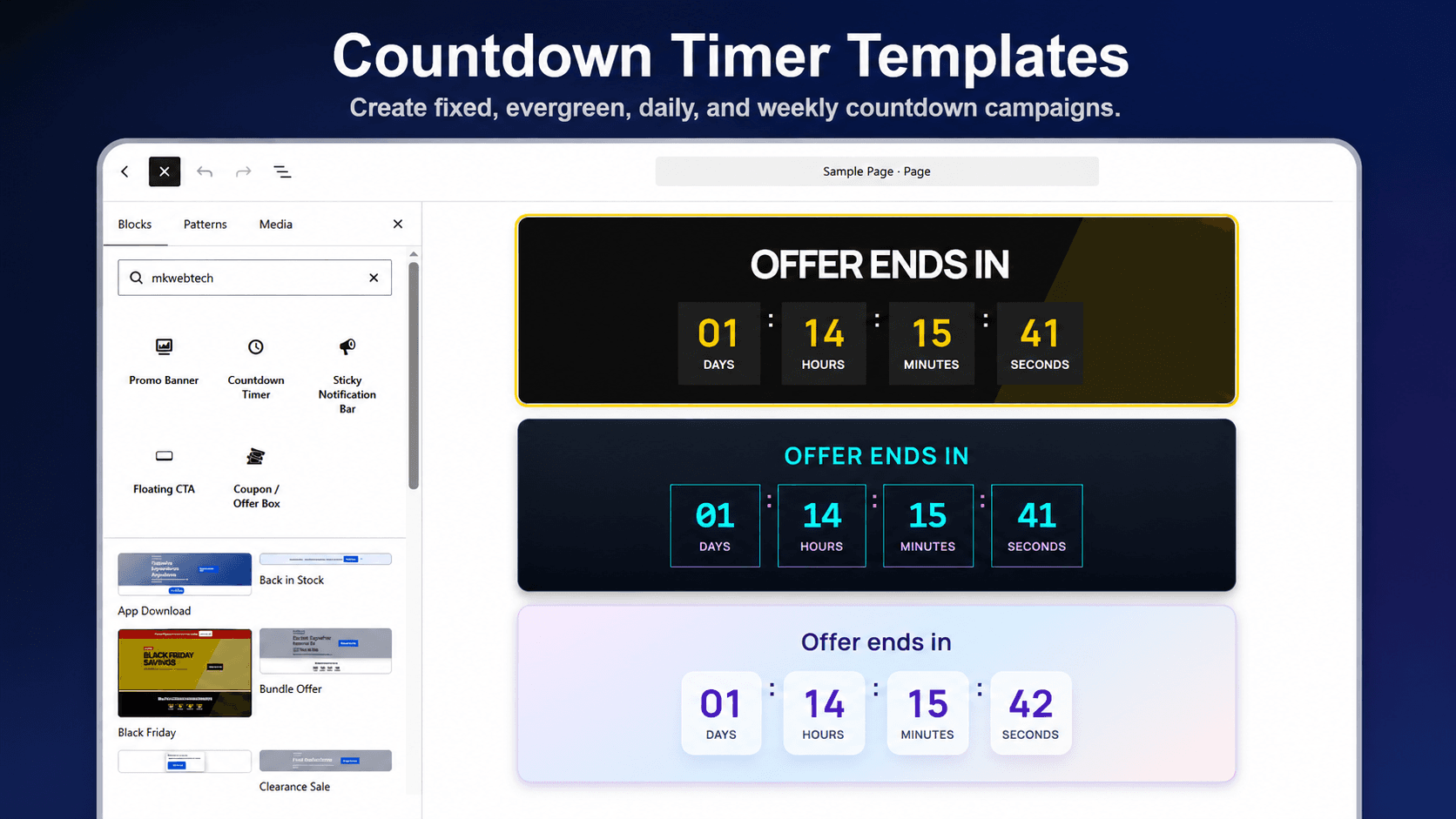
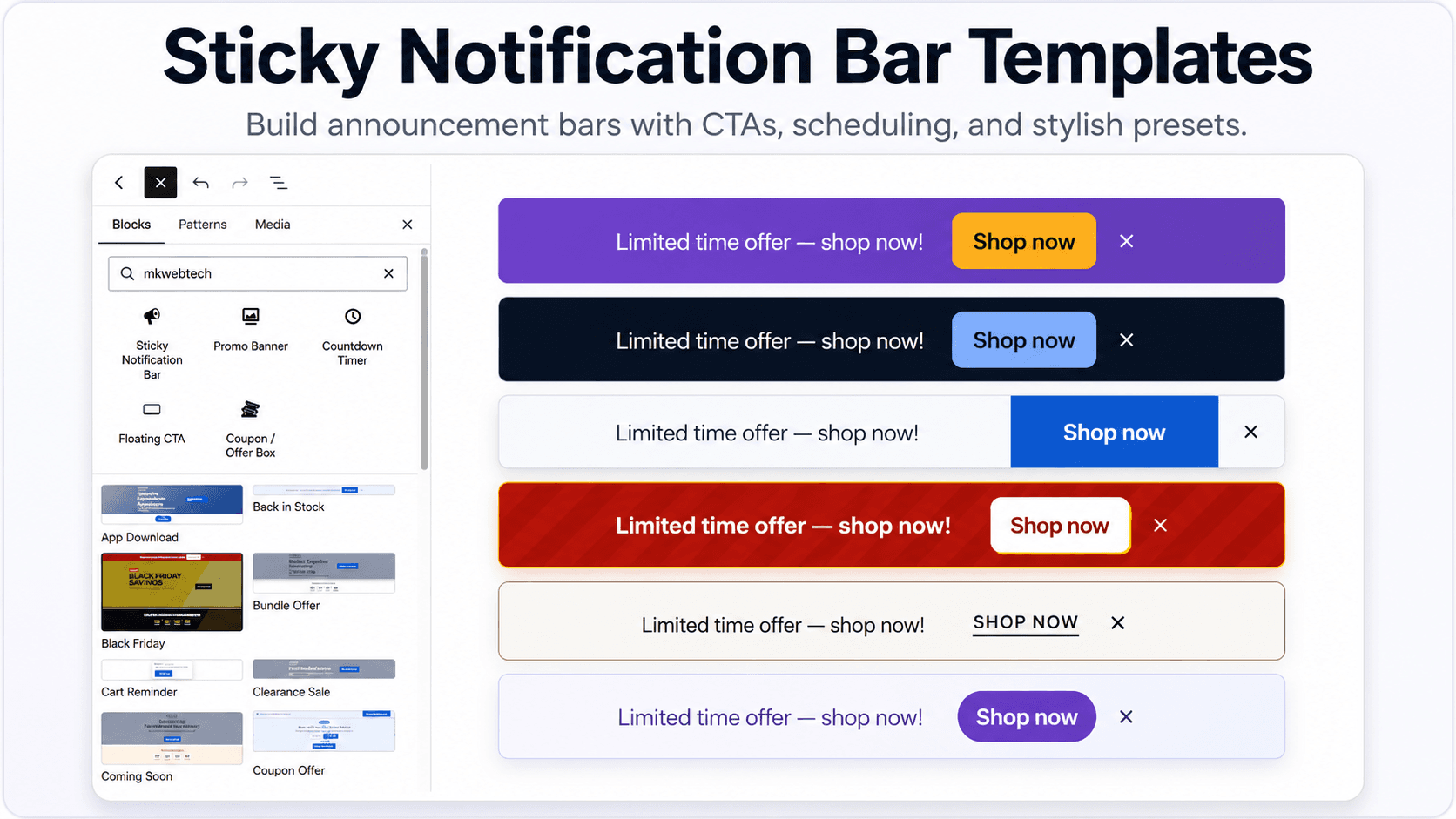
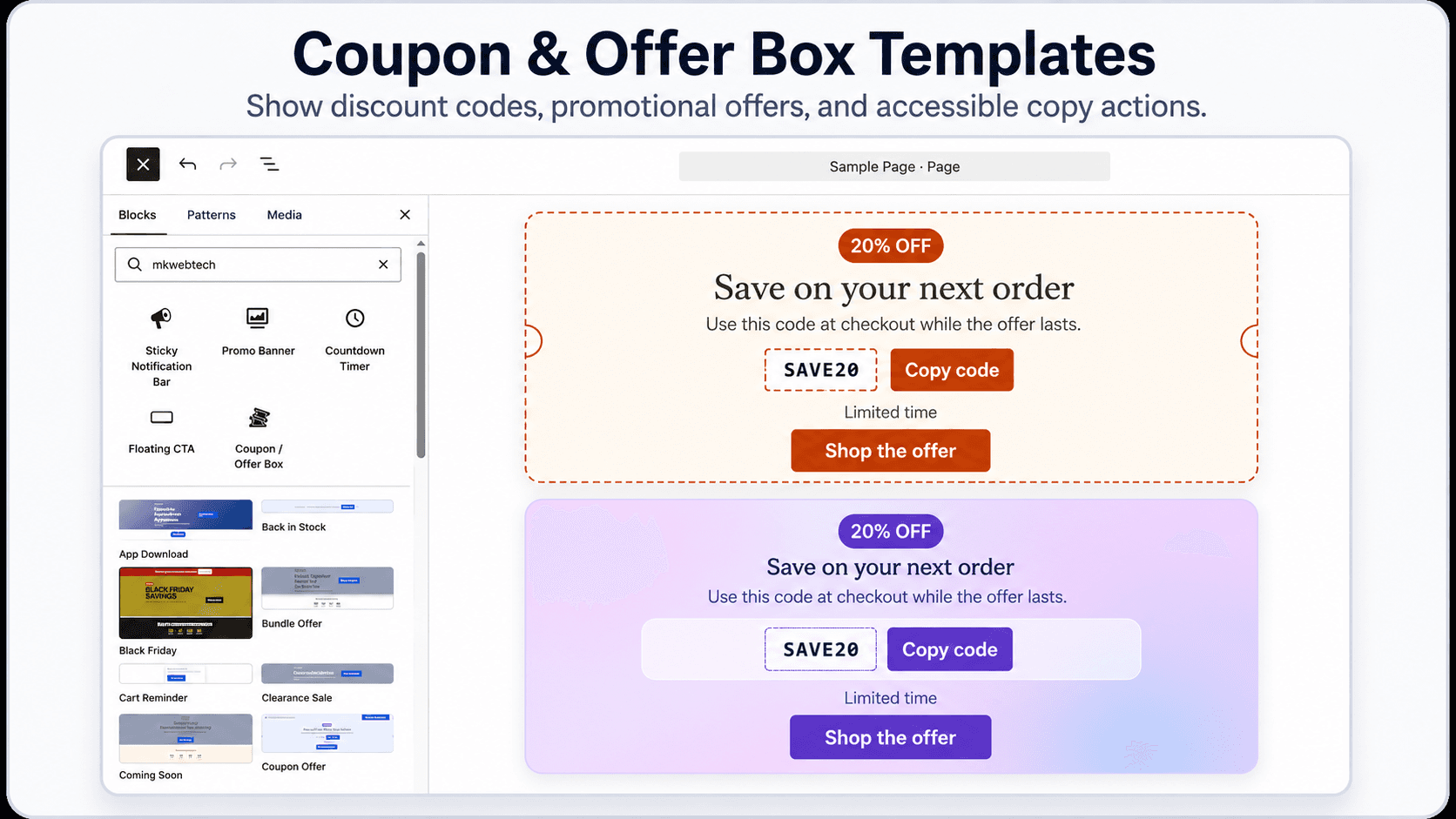
MKWebTech Conversion Blocks adds five conversion-focused blocks to the native WordPress editor: Countdown Timer, Sticky Notification Bar, Promo Banner, Coupon or Offer Box, and Floating CTA.
Use the blocks individually or start with one of 31 ready-made patterns for sales, launches, product promotions, seasonal campaigns, coupon offers, and other engagement workflows. WooCommerce is optional and adds store-aware display targeting when active.
Usage
Open a post, page, or supported site-editor area, add a block from the MKWebTech category, then configure its content, visual template, responsive behavior, and display rules. Review sticky and floating placements with the active theme before publishing because fixed headers and other overlays vary between sites.
Designed for clear daily workflows
Product capabilities
Why teams install it
Launch path
- 1
Go to Plugins -> Add New in your WordPress admin.
- 2
Search for MKWebTech Conversion Blocks.
- 3
Click Install Now, then Activate.
- 4
Open the block editor and browse the MKWebTech block category or bundled pattern library.
- 5
Add a block or pattern, customize its content and design, then preview it with your active theme.
Common questions
Recent improvements
Guides and references
Choose the right plan
Free
Available from the official WordPress.org plugin directory.
- All five Gutenberg conversion blocks
- 31 ready-made campaign patterns
- Optional WooCommerce-aware targeting
Get help when it matters
Need a workflow beyond the plugin?
MK WebTech also builds custom WordPress and WooCommerce functionality for store-specific integrations, admin tools, and commerce workflows.
Explore WordPress and WooCommerce development